


welcome to



Ciao, my Gorgeous
Queens and Kings!
I want to personally welcome you to The Royal Court of Pasta. Benvenuti! It’s been my dream for some time to create a space such as this where we can all connect on a more personal level.
Before you dive into the food, please take a moment to tell me about yourself!
I wanted to create a special membership community where we celebrate pasta, drama, and all things all’Italiana! As part of this just gorgeous family, you’ll have access to my most treasured recipes, passed down through generations, and join me for exclusive live events like cooking classes, wine tastings and tours that we can experience together. This isn’t just about perfecting your pasta skills—it's about sharing laughter, stories, and, of course, a little bit of drama in the kitchen.
And that’s not all! As a member, you’ll also enjoy exclusive discounts on my favorite brands—from artisanal pasta to kitchen essentials fit for Pasta Royalty—so you can bring a touch of Italy into your own home. Plus, get ready for exciting monthly giveaways, where you’ll have the chance to win cookware, bakeware, kitchen electronics and decor fit for the Pasta Gods!
By joining, you’re not just signing up—you’re pulling up a chair at my family table, where food is love and every meal is a celebration sprinkled with some magic and pasta!
xo, Nadia Caterina Munno
Dive Right In!
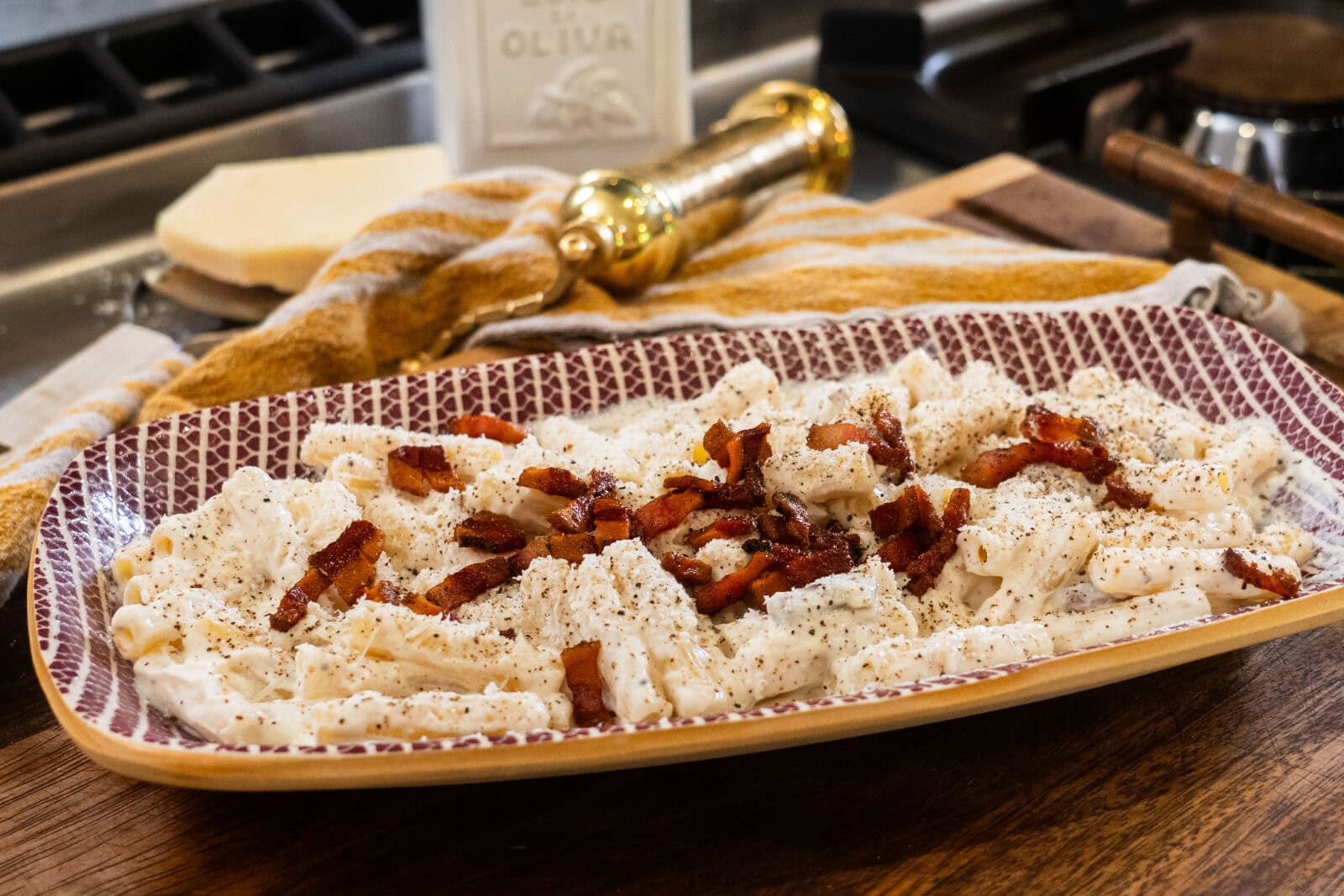
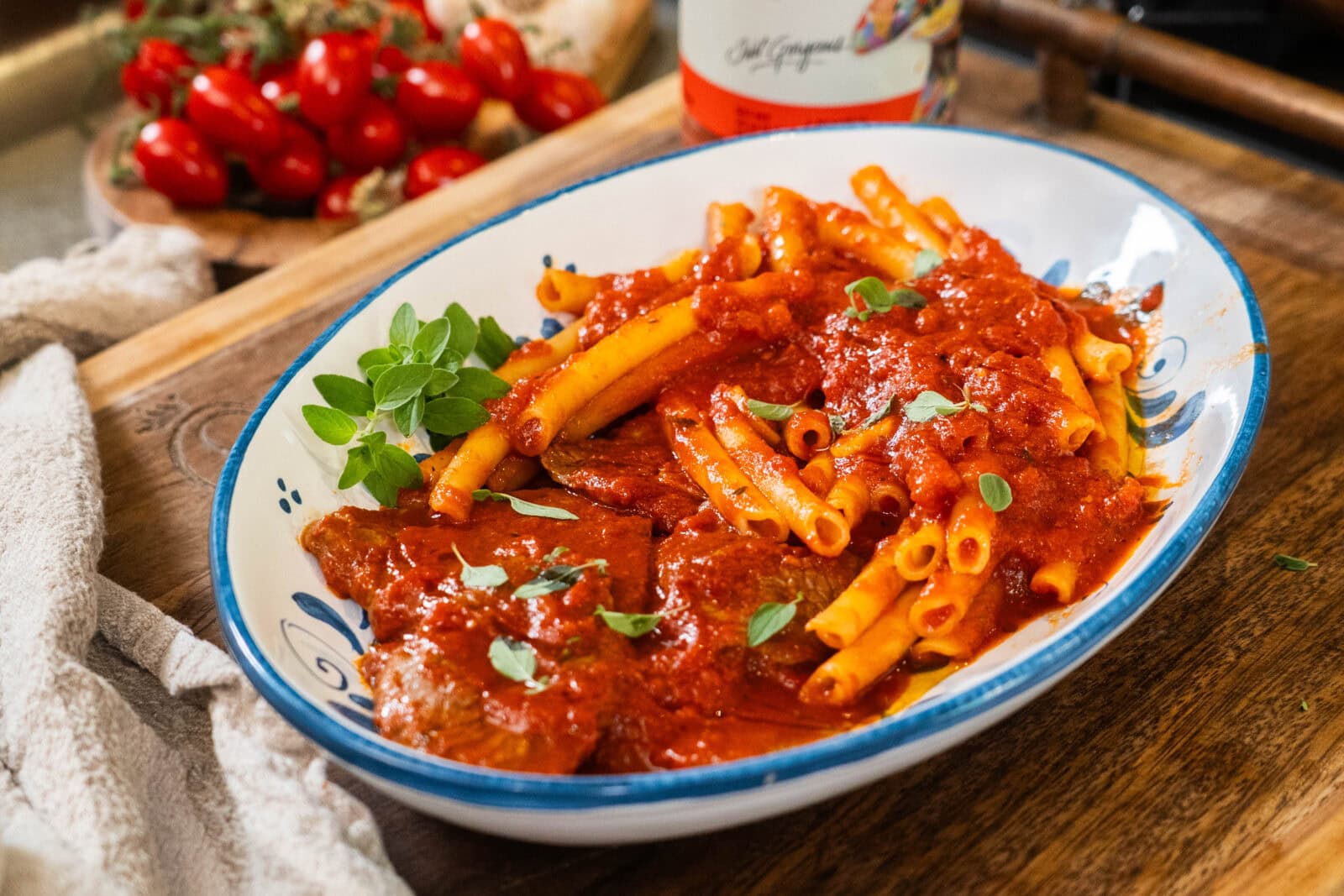
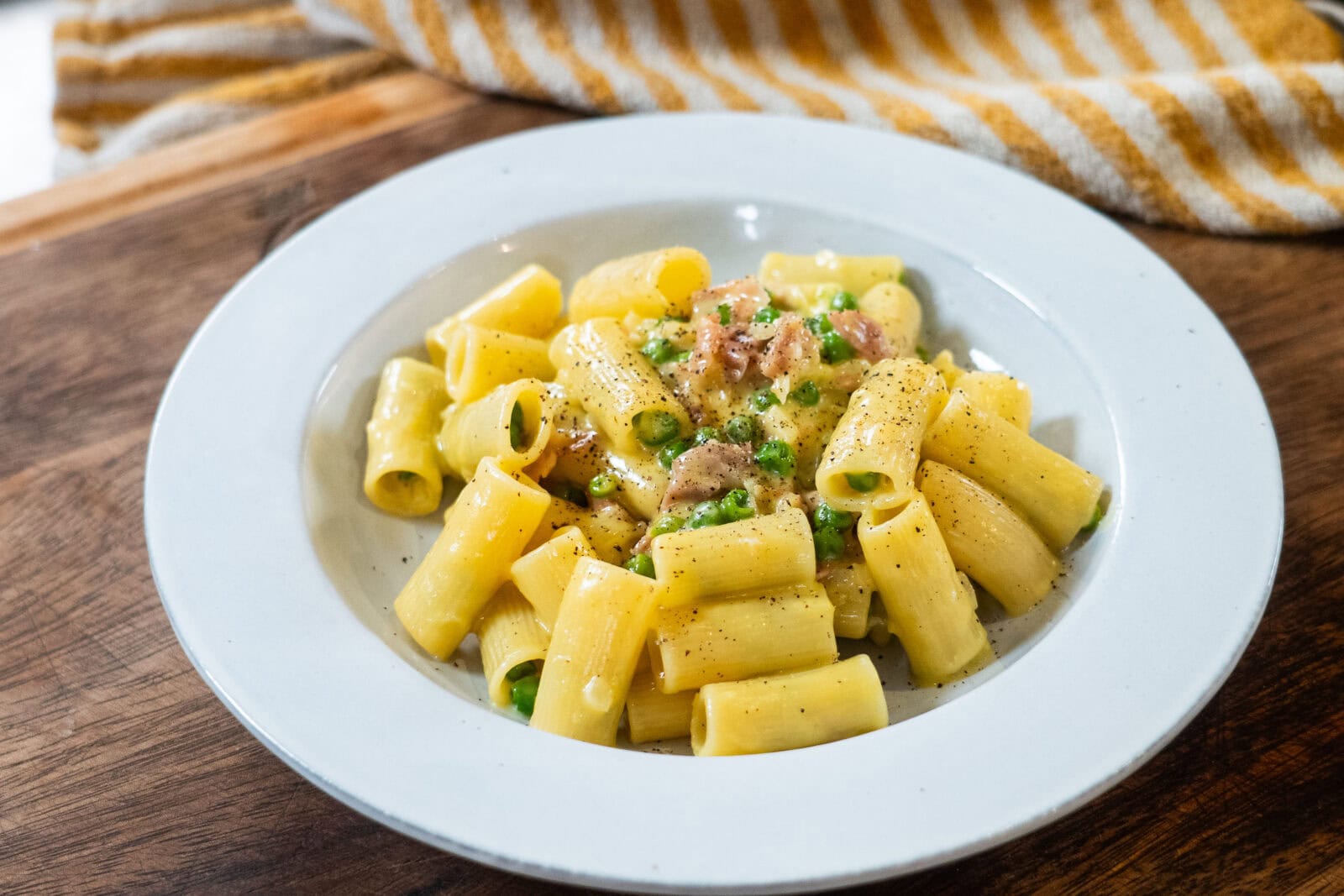
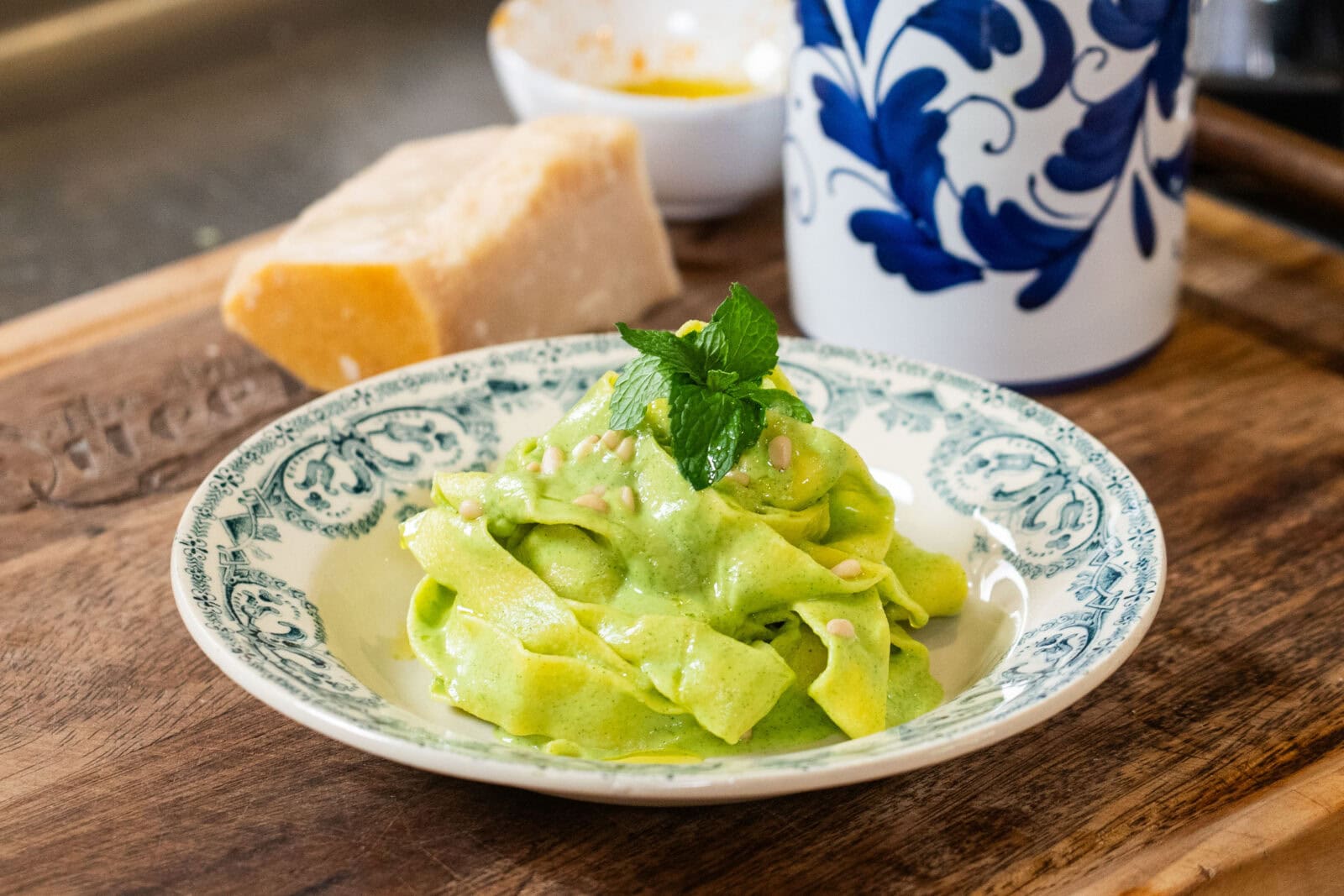
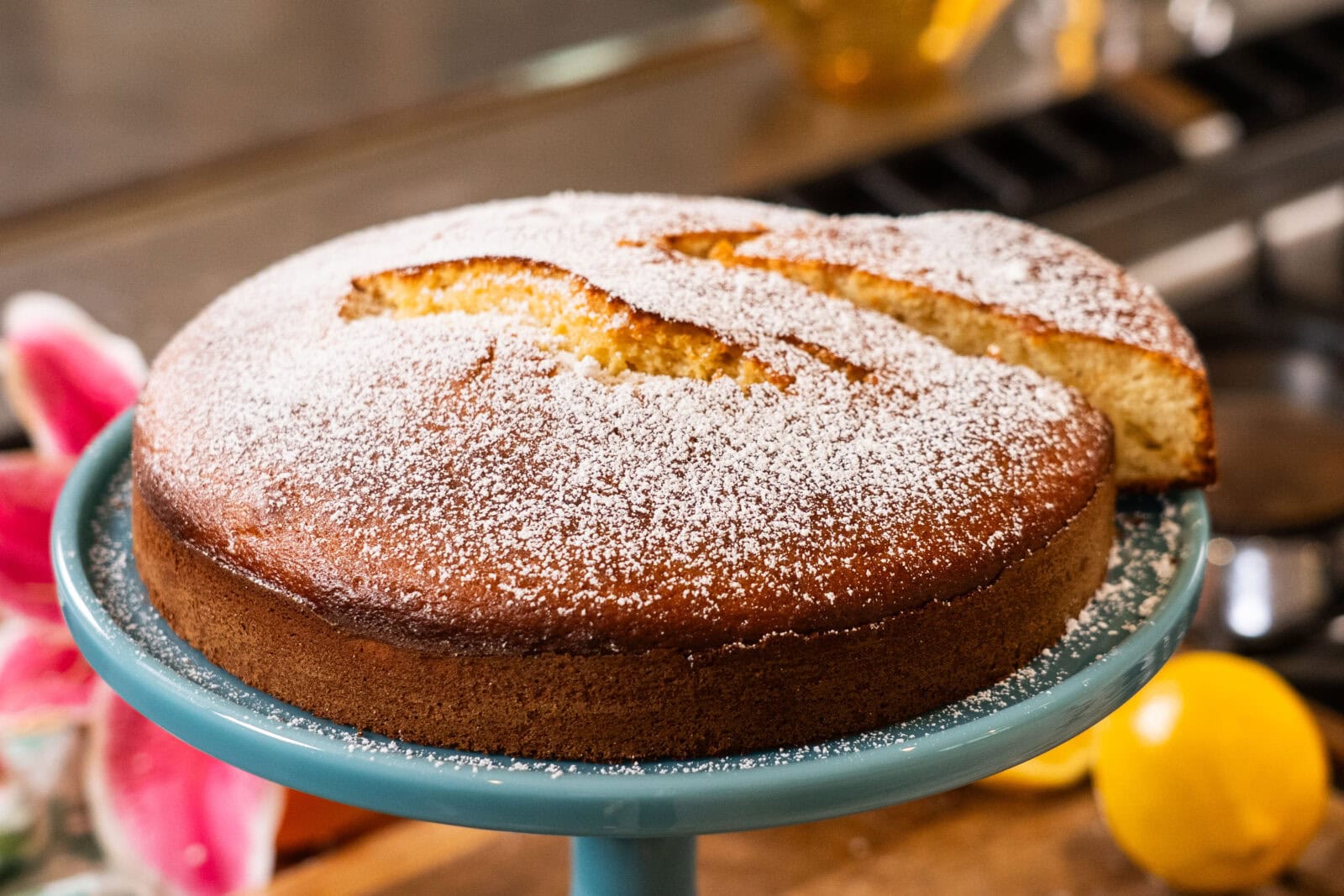
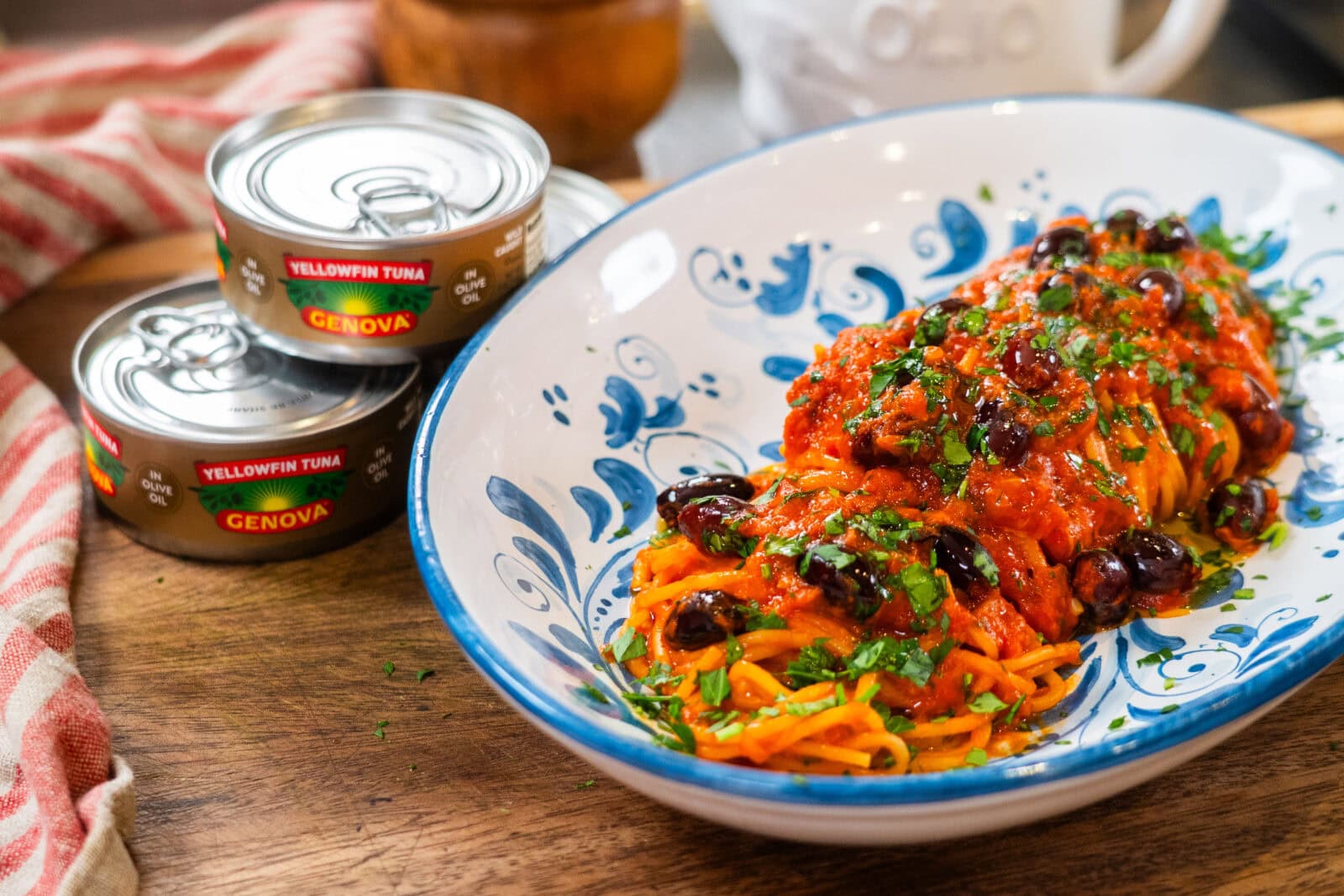
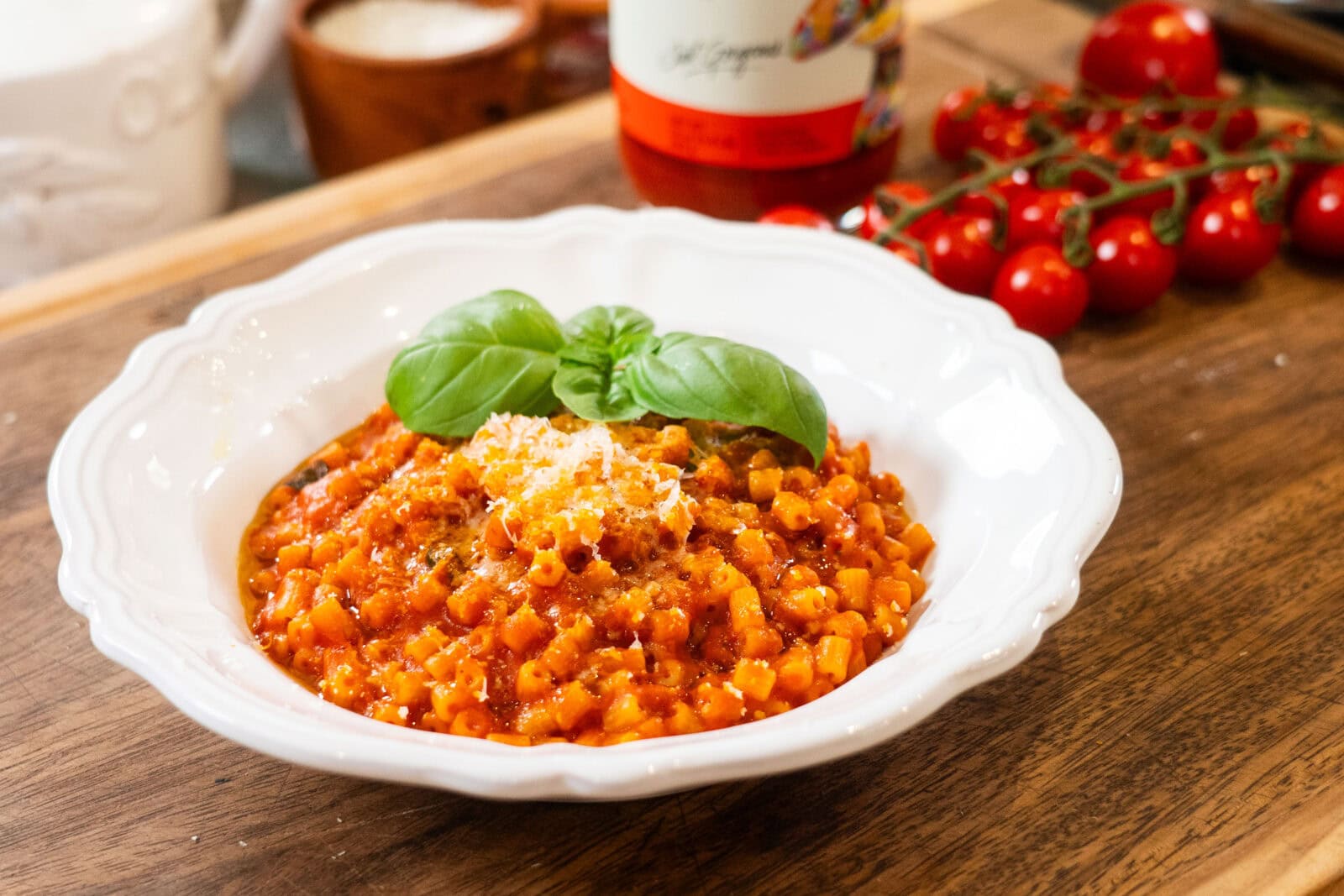
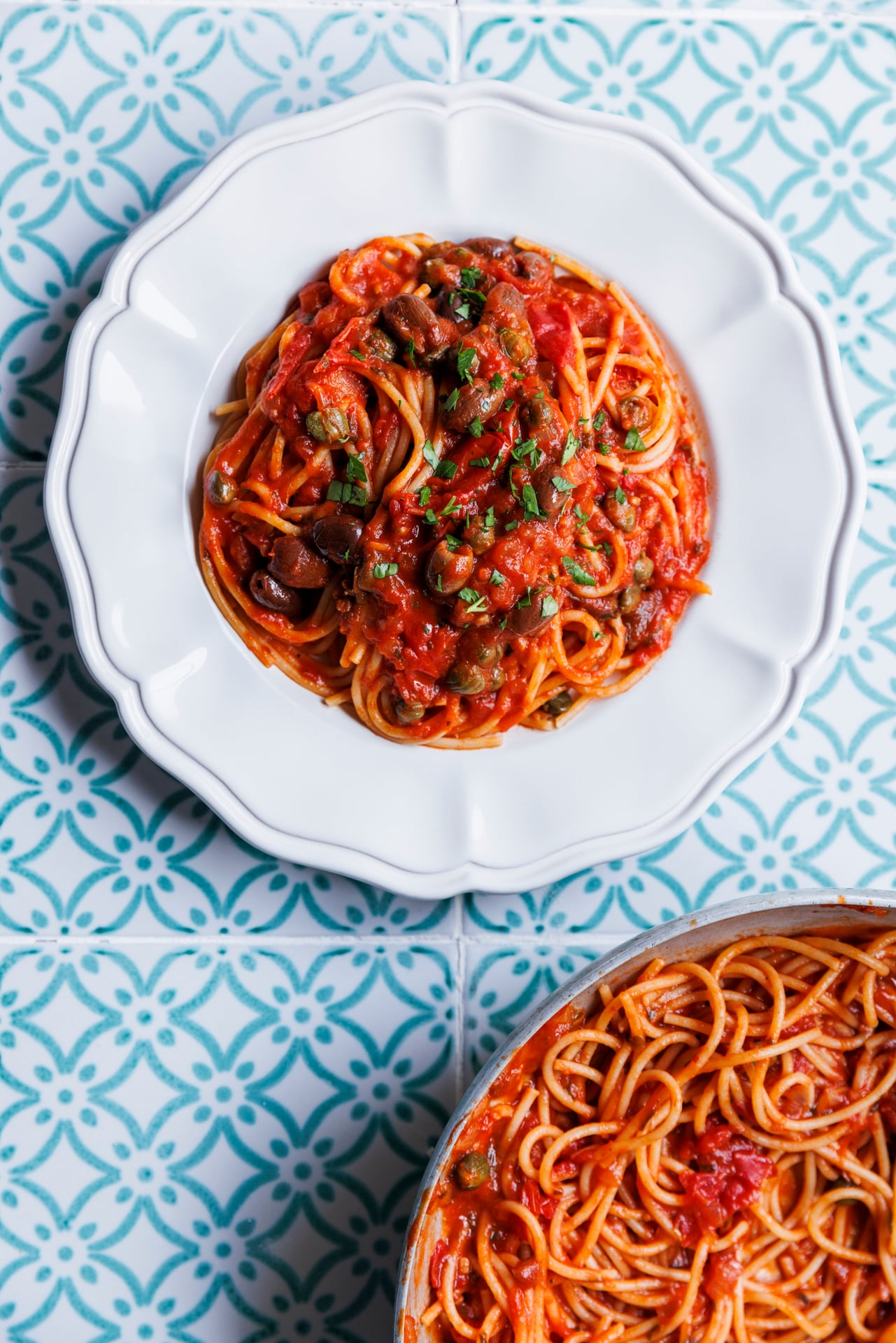
New recipes! They’re gorgeous —just like you!








The Pasta Queen
Join the Pasta Queen Live
Inside every LIVE:
- Monthly GIVEAWAY recipients announced.
- Nonna-level tricks & tips.
- Personal stories, what's going on in my life.
- Ask me questions about anything
YouTube Livestream link will be emailed to all members shortly before the event!
Can't make it? No problem. A recording will be available in the member area.
Frequently
Asked
Questions
We love keeping things simple, but if you’d rather set up a manual password, here’s how:
1. Sign in using the magic link from your email.
2. Go to My Account in the top right of your screen
3. Go to Account Settings and enter a new password.
4. Click Update.
Next time you log in, the system will recognize your password and ask for it instead!